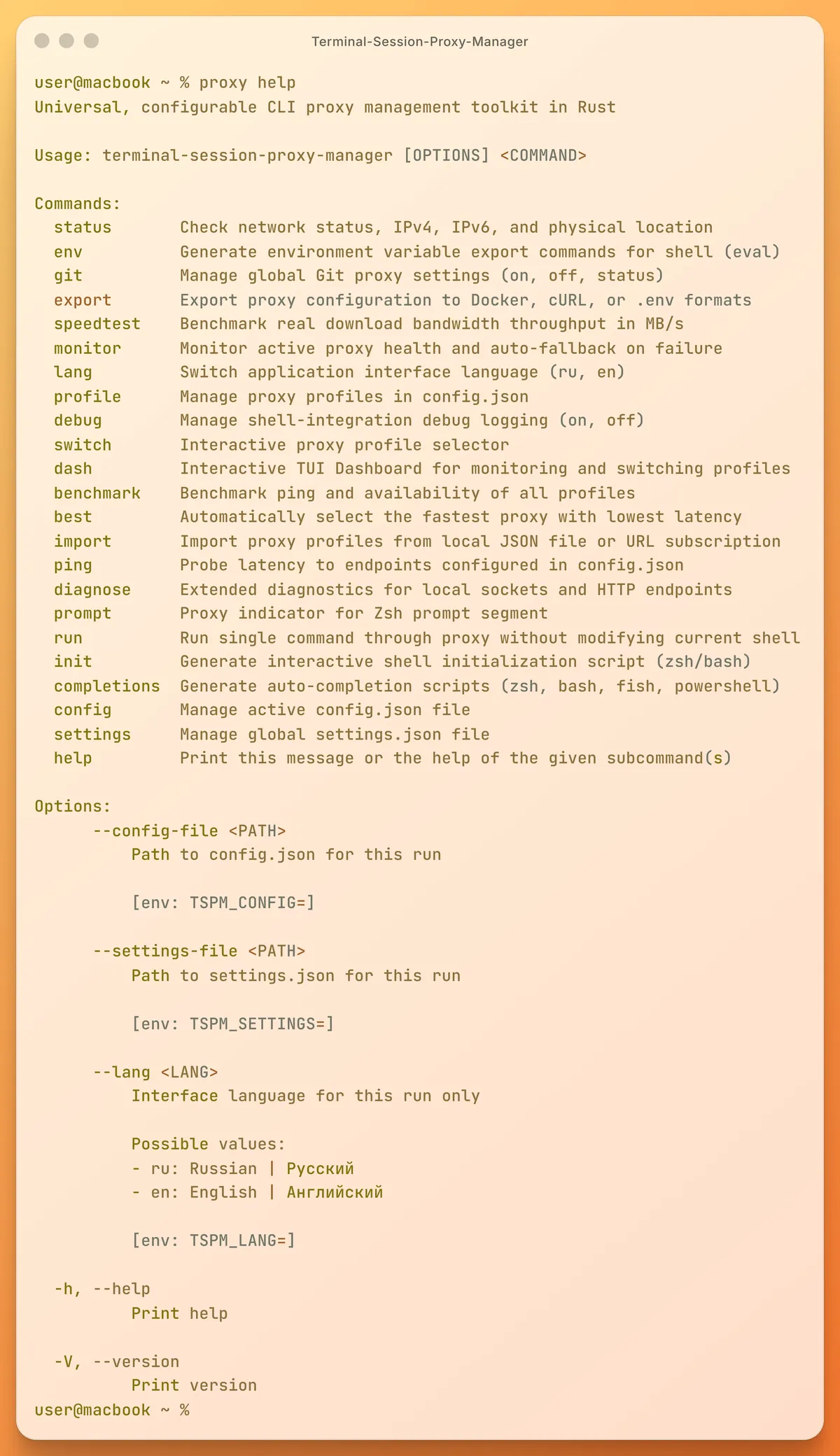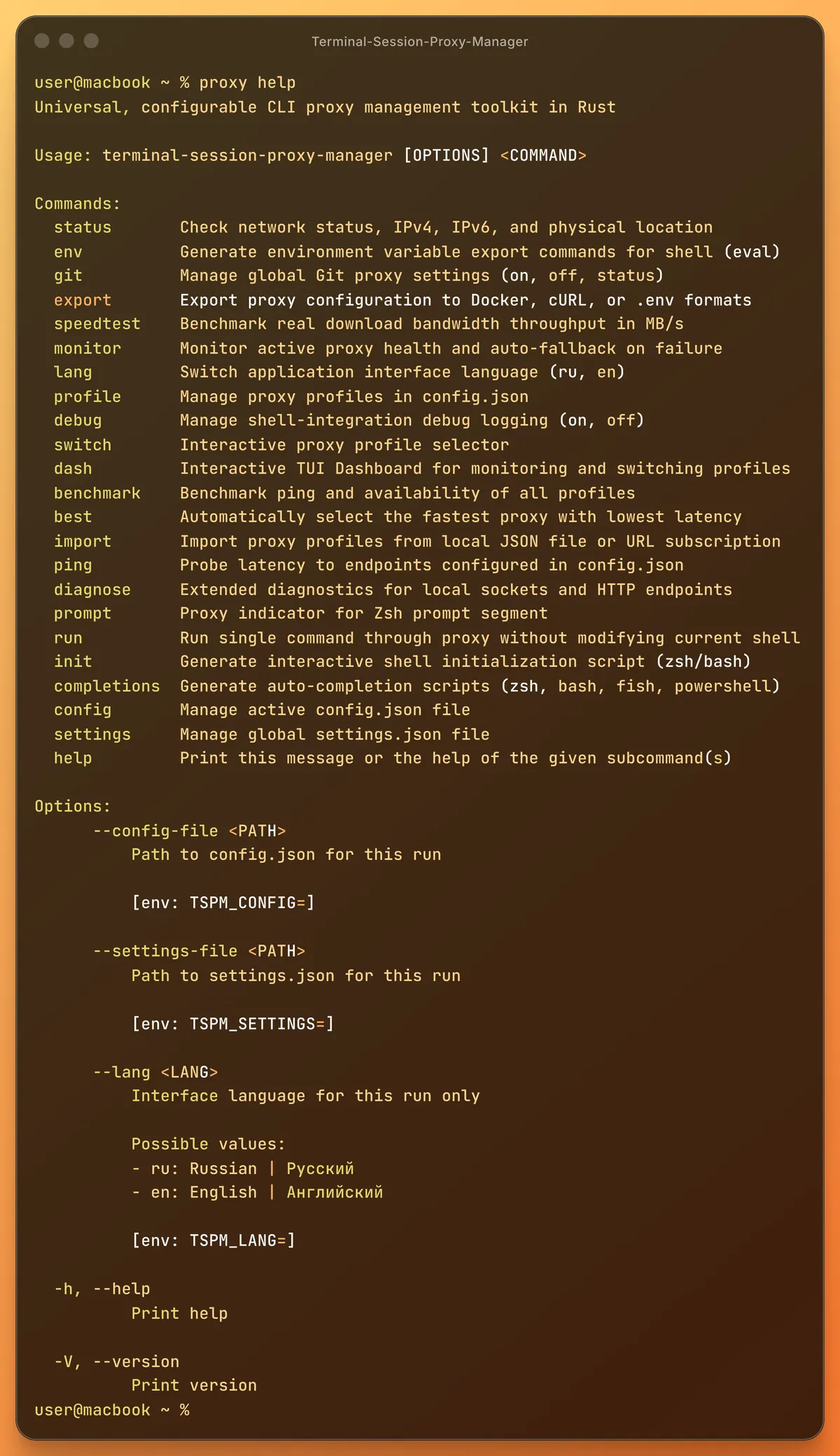
Welcome to Terminal Session Proxy Manager
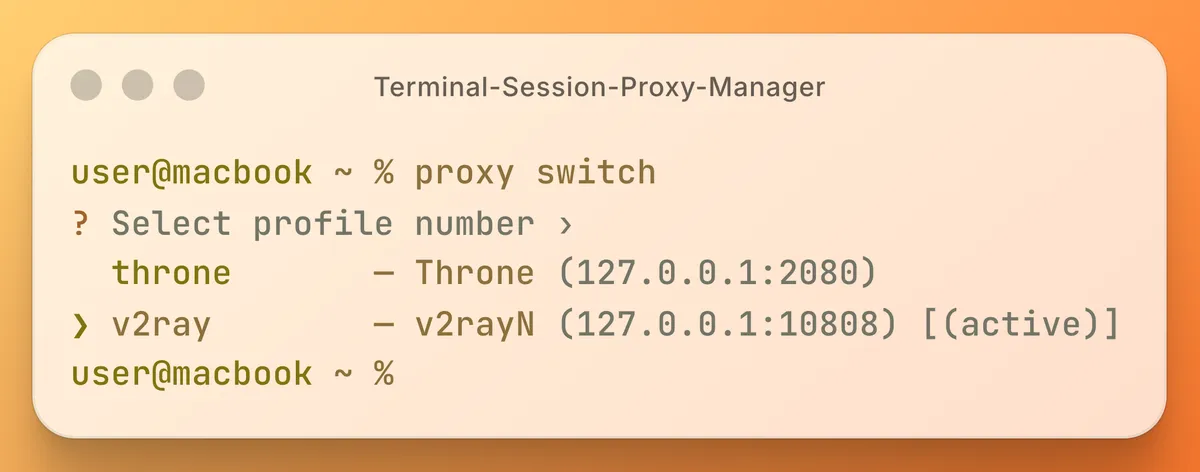
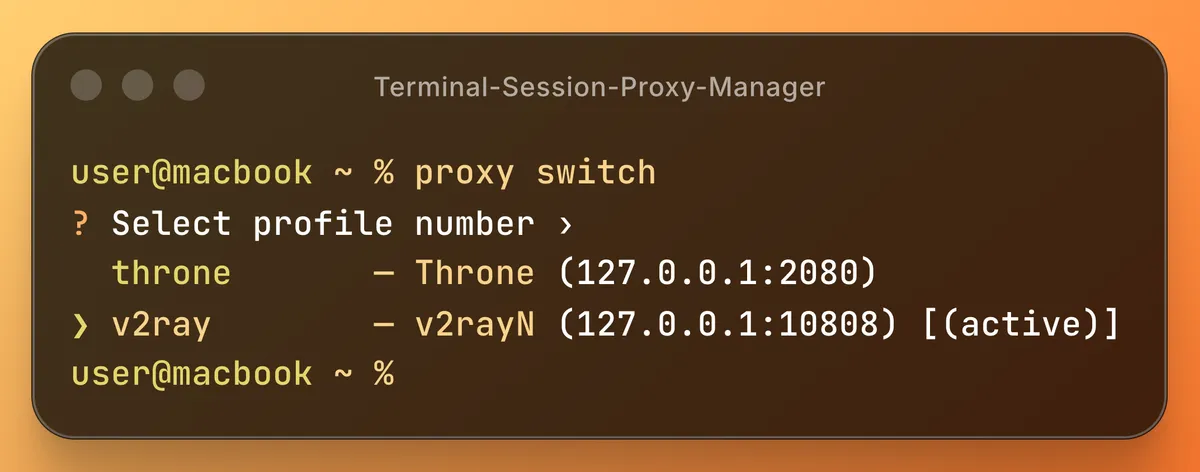
Interactive Profile Switcher
Profiles, not exports. Name your proxies once, then switch with a single command or use the interactive picker. The switch command opens a TUI where you can navigate your predefined proxy profiles using arrow keys. Once selected, it instantly injects HTTP_PROXY, HTTPS_PROXY and ALL_PROXY — plus GRADLE_OPTS and JAVA_TOOL_OPTIONS for JVM tooling — directly into your active shell session, in both zsh and bash.
Live Network Status & Dashboard
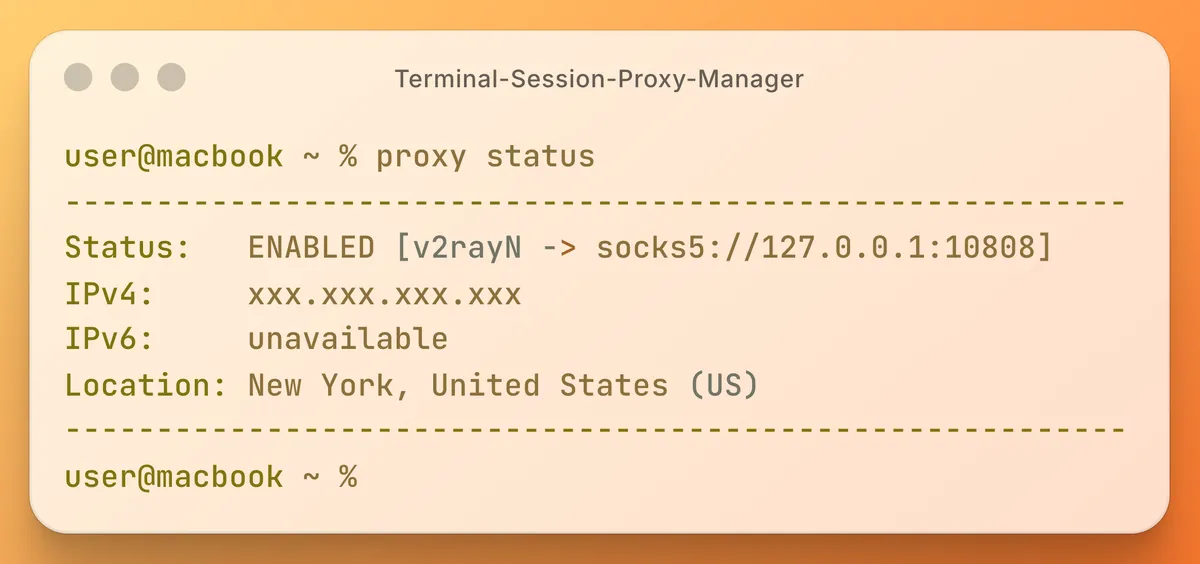
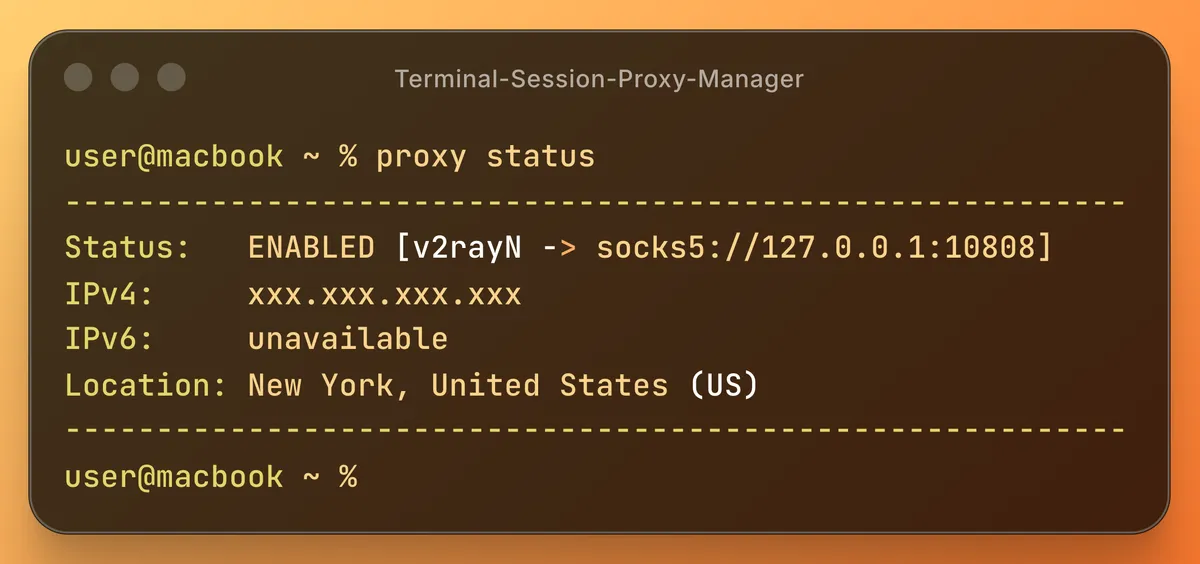
Verify your traffic routing with a single command. The status tool displays your actual external IPv4 and IPv6 addresses, along with your ISP and geolocation data. For a complete overview, the interactive dash command combines live IP, geolocation, a latency sparkline, and profile switching into a single TUI screen.
Diagnostics & Auto-Healing
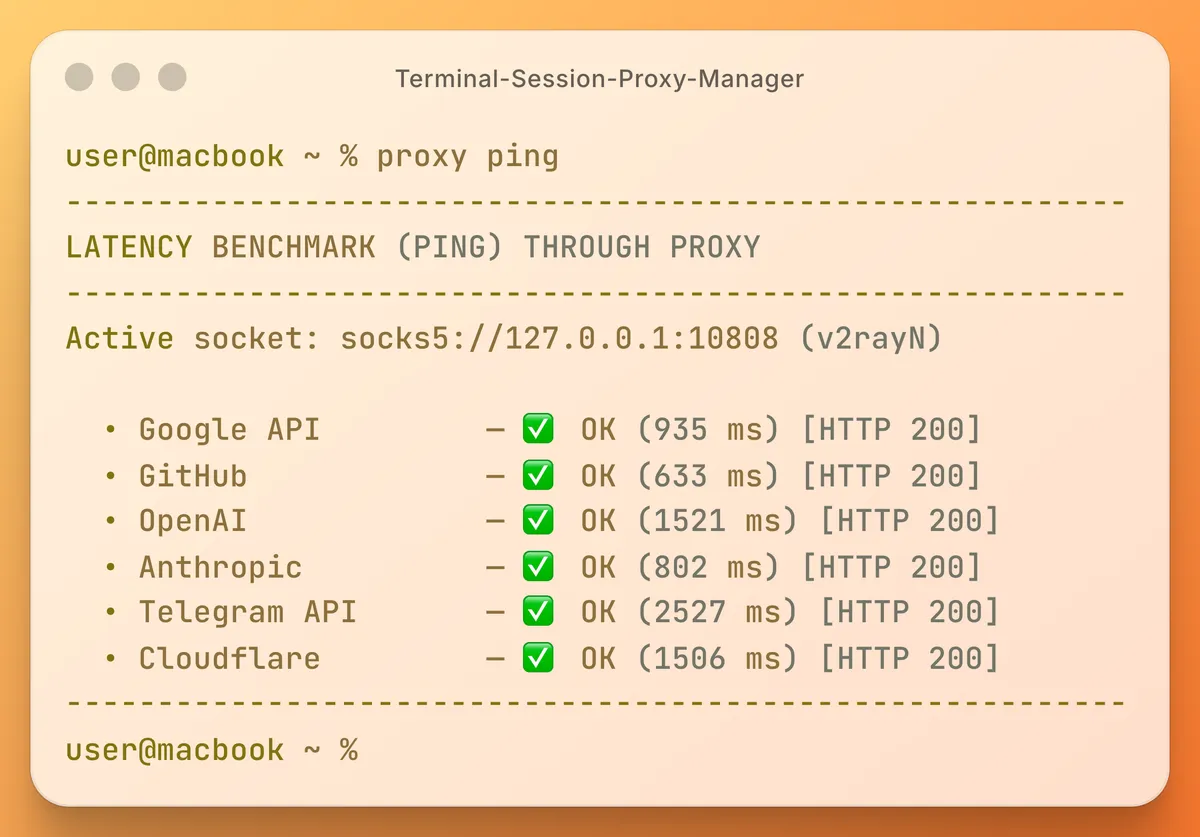
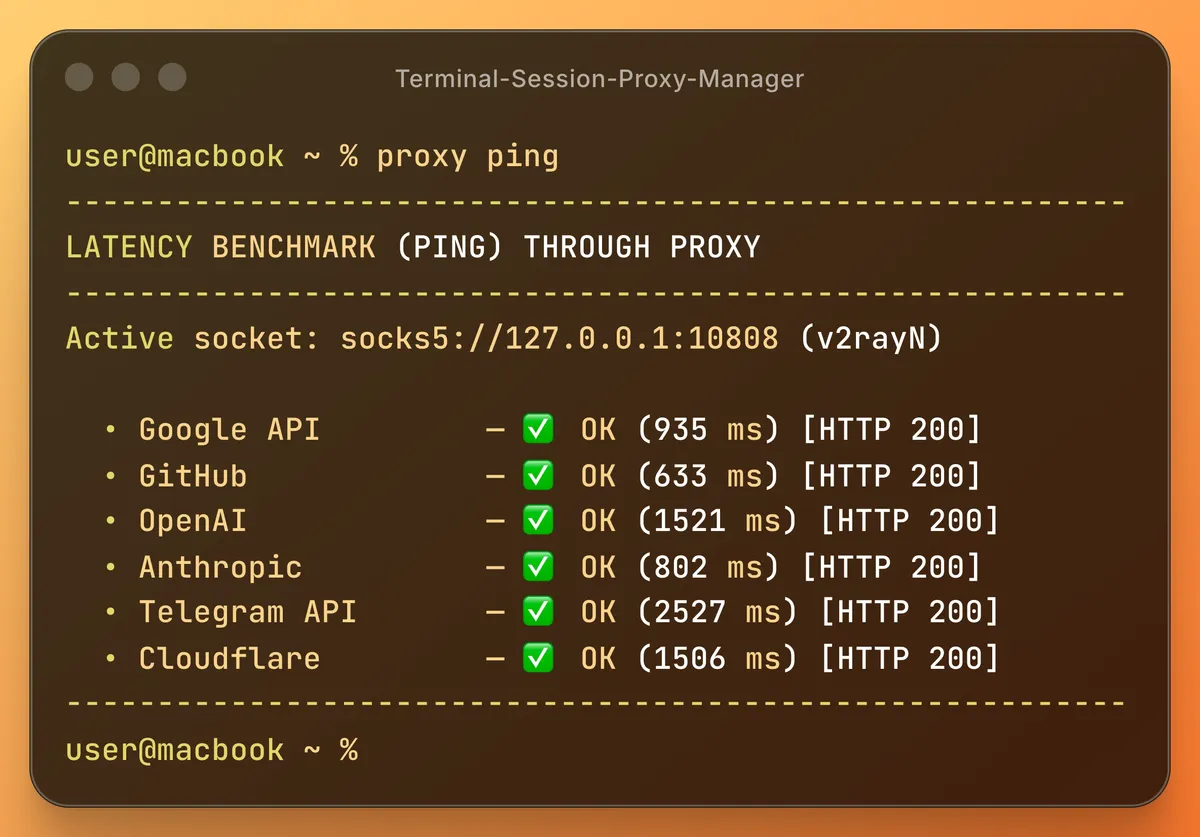
Measure the real-world performance of your active route. The ping and benchmark commands issue real requests in parallel and report the latency of each, so you can pick the fastest server — or let best pick it for you. For unattended use, monitor runs health checks and fails over automatically when the active proxy dies.
Zero-Dependency Rust CLI
A single standalone binary compiled from Rust, with no heavy runtime to install — no Node.js, no Python. Instant startup, a plain JSON configuration and strict error handling. Need to share settings? The export command generates configuration for Docker, cURL, Git, .env files and JVM build tooling — with correct shell quoting.